
The challenge
Head office, branches, and vendors use one AI foundation while handling both customer files and internal policies.
Loose controls create risk, while overly strict controls make the system impractical.
The assumed operating scale is 20 departments, 500 users, and tens of thousands of files. At this volume, small delays and omissions accumulate into a daily management problem. The important point is not to introduce AI as a separate tool, but to connect it to the way the team already receives requests, checks information, makes decisions, and records outcomes.

What the AI Agent handles
Set precise access and action boundaries by client, team, role, document, and operation.
In practical terms, the Agent handles set visibility by user and team, separate execution from approval, and review permissions and activity logs. These are not isolated features. The output of one step becomes the input to the next, and the full history remains available for review.
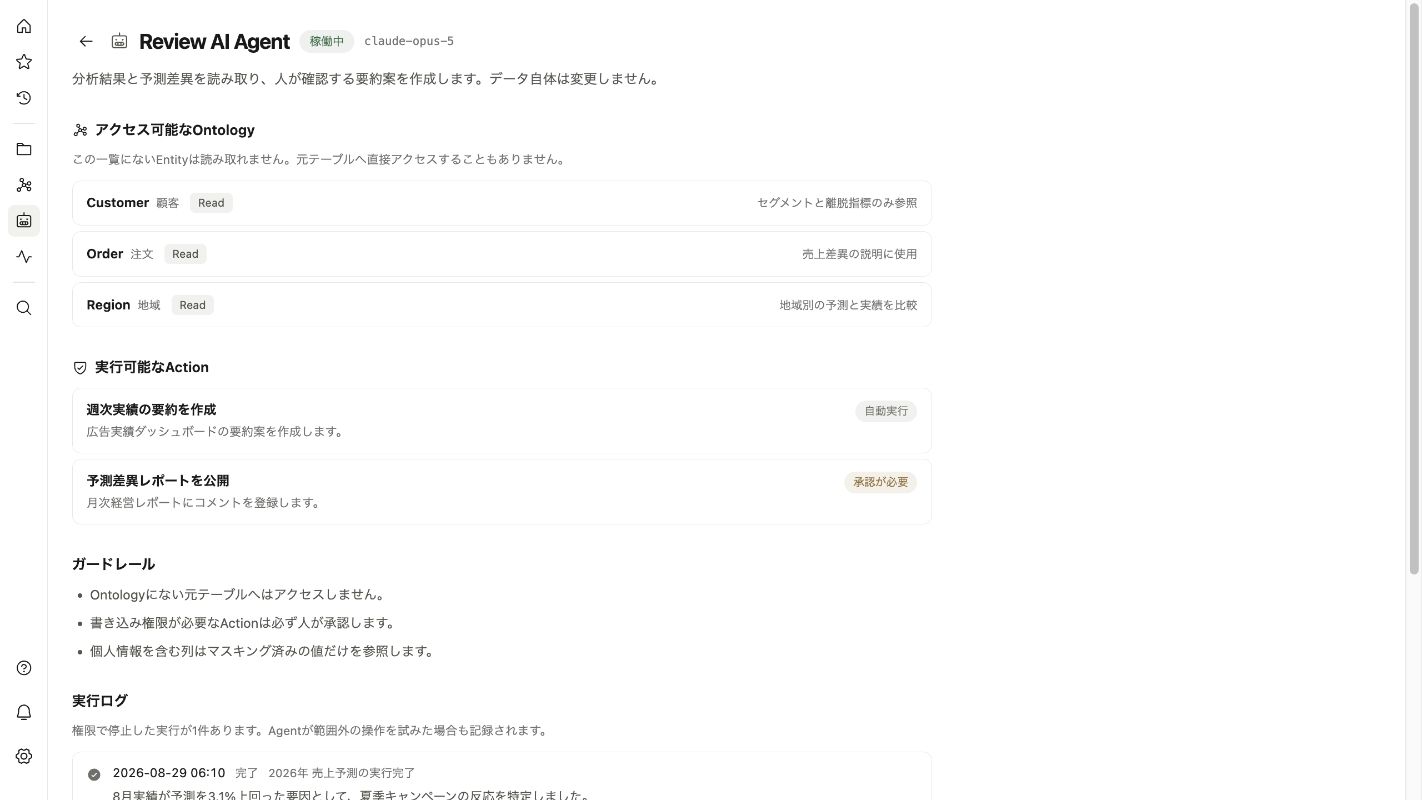
The workflow refers to Identity provider, Document management, and Core business systems. Connections are designed around the existing environment wherever possible, so the project does not begin with a wholesale system replacement.
Decisions made in the workflow
The Agent must determine user team and role, document sensitivity, and permission to view, draft, or execute. Each decision is translated into an explicit rule, the information required to apply it, and the condition that prevents automatic execution.
When the evidence is complete and the rule is clear, the Agent can move the routine case forward. When either is missing, it should not produce a confident-looking guess. It pauses, explains what is missing, and returns the case to the appropriate person.
Human and AI responsibilities
AI Agent
Set precise access and action boundaries by client, team, role, document, and operation.
People
Set policy, approve high-risk actions, and run periodic audits
When the Agent stops
Recent departures, unclear sensitivity labels, and unusual bulk access stop the workflow and alert an administrator.
This boundary can differ by department, customer, document sensitivity, and action. Reading information, preparing a draft, and executing an external action do not need to share the same permission level.
What changes
Balance security and usability with permissions aligned to company policy.
Measure operational change, not the number of AI responses. Establish a baseline before implementation and review the same indicators after launch.
For this workflow, useful indicators are permission setup time, excess access findings, unapproved actions, and audit trace time. The team records a baseline before implementation, then reviews changes together with the number and type of exceptions.
A practical implementation path
We begin with one narrow workflow, validate it with real inputs, and expand only after the team can see and control the result.
Observe
Collect real examples and clarify the current process, decision rules, and exceptions.
Prototype
Connect a limited data set and let the team compare Agent output with today’s work.
Operate
Define permissions, approvals, logs, and recovery procedures before production use.
Improve
Review exceptions and usage data, then update rules and expand the scope.
Questions teams usually ask
Will it execute everything automatically?
No. The execution boundary is designed per action. High-risk or ambiguous cases stop for human approval.
Do we need to replace existing systems?
Usually not. The Agent is designed to read from and write to the systems already used by the team wherever practical.
Can we start without perfectly organized data?
Yes. We identify the minimum reliable sources first and improve data quality as the workflow is tested.